Download or Update Ubuntu 20.04 LTS: Focal Fossa
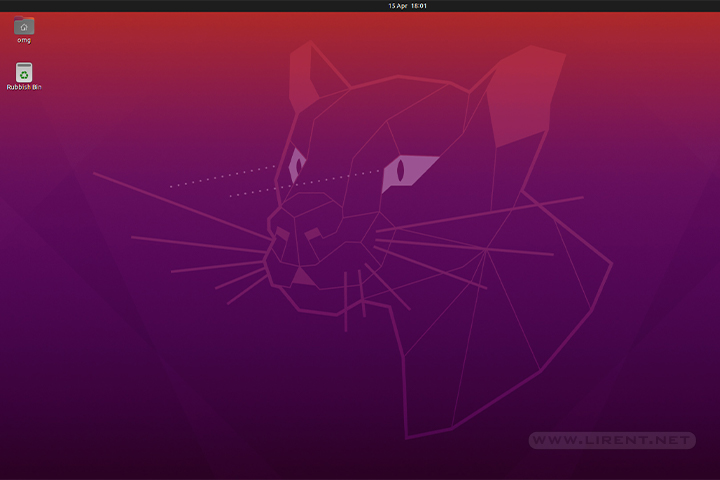
This is a important release for Ubuntu, 20.04 is a long-term support (LTS), meaning that this distro is supported until 2025. Ubuntu 20.04 has a clean and minimal desktop environment.

This is a important release for Ubuntu, 20.04 is a long-term support (LTS), meaning that this distro is supported until 2025. Ubuntu 20.04 has a clean and minimal desktop environment.
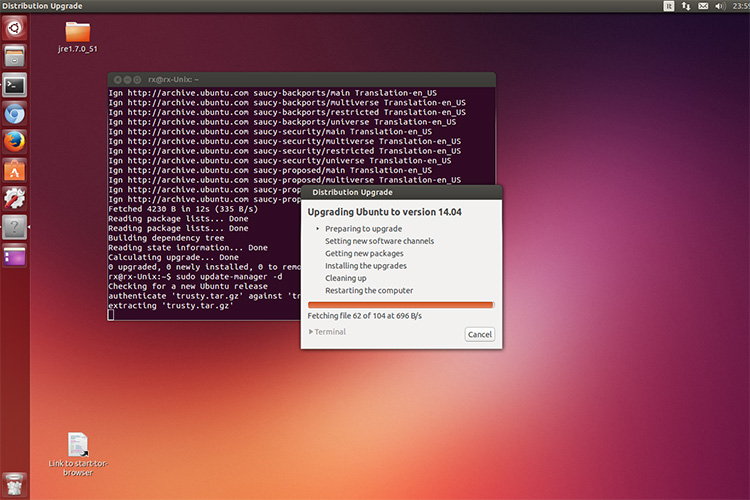
Before we start the upgrade, is highly recommend to make a data backup. Currently is the beta version 14.04 and is not recommended to run on main computers. The final version 14.04 (Trusty Tahr) will come in less than one…
Since the Ubuntu 9.10 is coming October 29th, for those who like to taste the new (beta) features here is the short how to guide to upgrade your Ubuntu Desktop. The Ubuntu developers are moving quickly to bring you the…
Today Ubuntu 8.10 Desktop Edition is available for free download and simultaneous Canonical Ltd. release Ubuntu 8.10 Server Edition. Ubuntu 8.10 Desktop Edition is designed for the pervasively connected digital lifestyle. With new 3G network support, users can move smoothly…
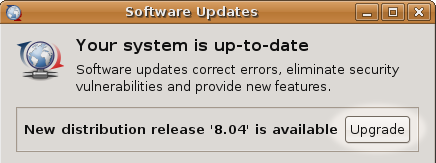
Ubuntu 8.04 LTS is the upcoming version of the Ubuntu operating system. The common name given to this release from the time of its early development was “Hardy Heron”. Before you start You can directly upgrade to Ubuntu 8.04 LTS…



