Download or Update Ubuntu 20.04 LTS: Focal Fossa
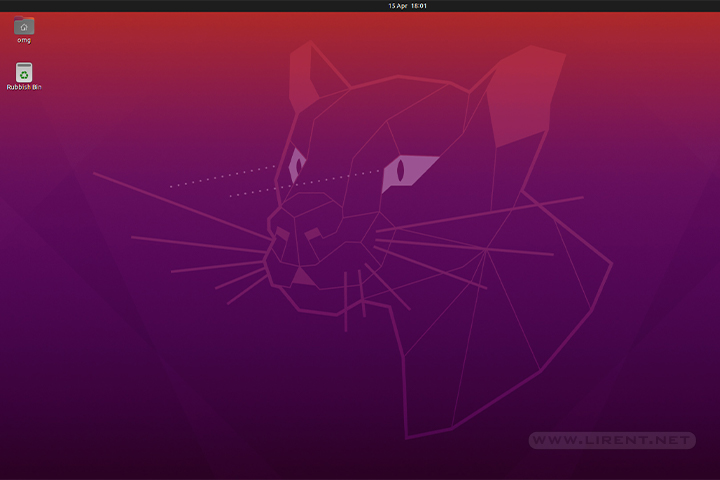
This is a important release for Ubuntu, 20.04 is a long-term support (LTS), meaning that this distro is supported until 2025. Ubuntu 20.04 has a clean and minimal desktop environment.

This is a important release for Ubuntu, 20.04 is a long-term support (LTS), meaning that this distro is supported until 2025. Ubuntu 20.04 has a clean and minimal desktop environment.
Ubuntu is 10 years old. Celebrating with Ubuntu 14.10 (Utopic Unicorn) release and new opportunity for developers. Small changes are made on this release but the general theme for 14.10 on the desktop was one of bug fixes and incremental…
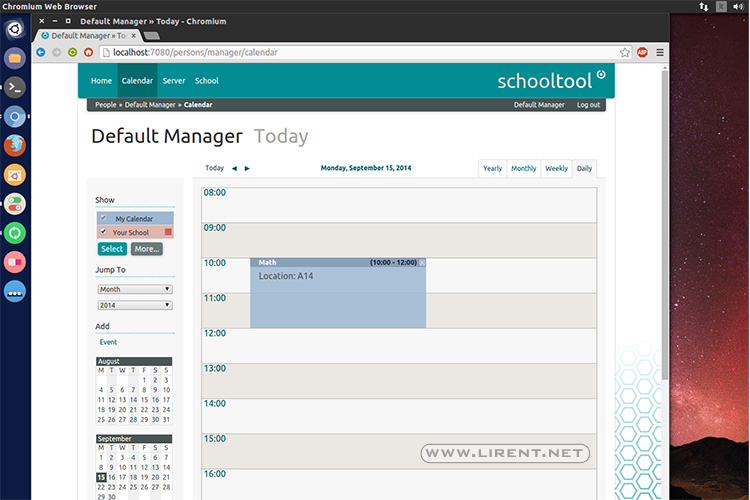
SchoolTool is an open source, web based student information system designed for schools in the developing world, with strong support for translation, localization and automated deployment and updates via the Ubuntu Linux installer and package management system.

The first beta is ready for download and testing, including Xubuntu, Lubuntu, Kubuntu, Ubuntu Kylin and Ubuntu GNOME. There are several updates for every distribution. Weather and Maps apps installed by default on Ubuntu Gnome and KDE is testing Plasma…
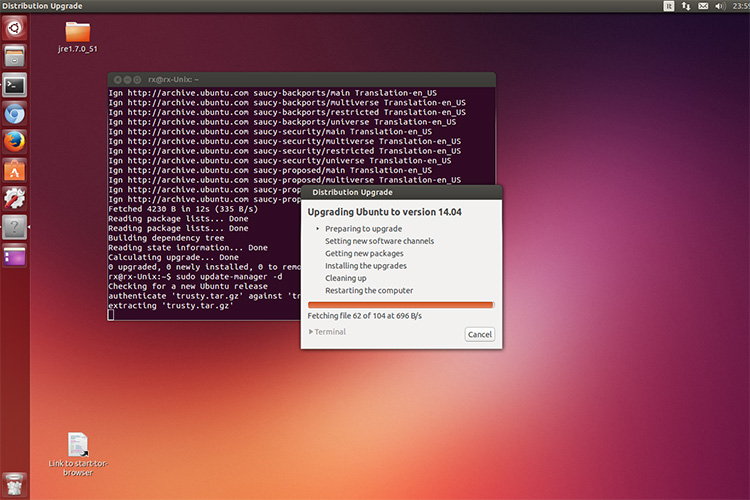
Before we start the upgrade, is highly recommend to make a data backup. Currently is the beta version 14.04 and is not recommended to run on main computers. The final version 14.04 (Trusty Tahr) will come in less than one…
Since the Ubuntu 9.10 is coming October 29th, for those who like to taste the new (beta) features here is the short how to guide to upgrade your Ubuntu Desktop. The Ubuntu developers are moving quickly to bring you the…

Upgrading from Ubuntu 8.10 To upgrade from Ubuntu 8.10 on a desktop system, press Alt+F2 and type in update-manager -d into the command box. Update Manager should open up and tell you: New distribution release ‘9.04’ is available. Click Upgrade…



