July 30, 08
by
ReniX
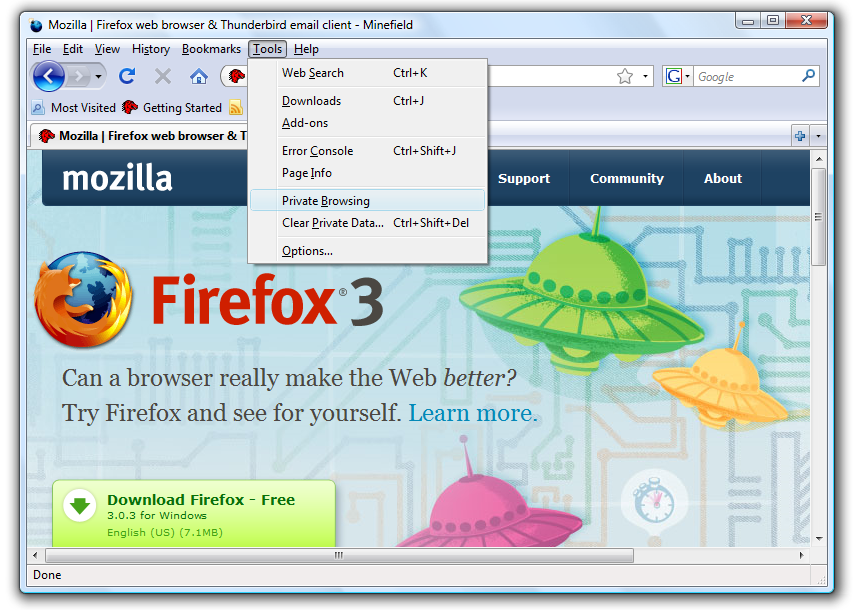
This screen shot is taken from Firefox just type about: and below I want to show you a list with all Firefox about info, and some Easter eggs.
The first one is:
about:bloat
Displays BloatView output (disabled in release builds).
Here we are with:
about:blocked
Shows the malware protection page used when the browser identify some page as not safe for viewing. (Firefox 3-specific).
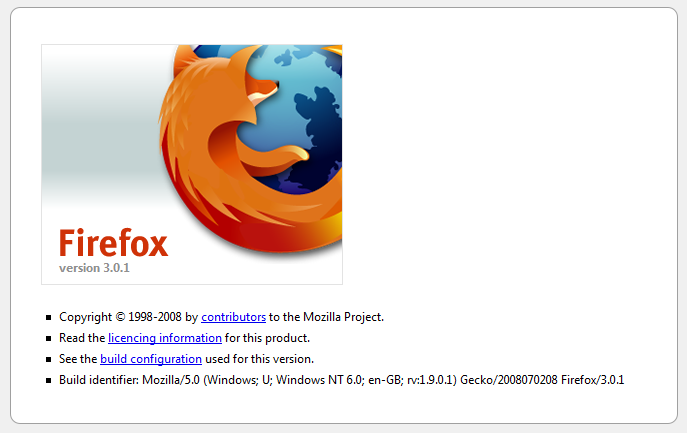
about:buildconfig
Shows the arguments and options used to compile the build in use
Read the rest of this entry »
Share This
Thanks for visiting! If you're new here, you may want to subscribe to my Rss Feed. This blog posts regular Internet news, updates for apps, security, ideas, hacks, quick fixes and everything about hi-tech. Go ahead, subscribe to our feed!
June 15, 08
by
Crossover
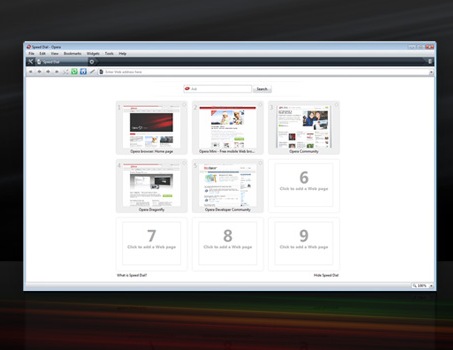
Typing addresses for sites you visit frequently is ineffective. Get your favorite Web page with just one click. Speed Dial is a set of visual bookmarks you see when you open a new tab, like a dashboard for your online life. To add a new page, simply click on an empty Speed Dial and Opera will make suggestions based on browsing history and bookmarks.
By default Opera has just 9 Speed Dial. How to add others..?!
Type about:opera in address bar to find the Opera profile folder location (see image below, click to enlarge).

Read the rest of this entry »
Share This
-
Posted in
Opera - 149 views
May 17, 08
by
Crossover
Download Firefox 3 RC1 now available, in more than 45 languages.
Share This
April 20, 08
by
Crossover
There is a new version for Safari, the browser for Mac and Windows. Thanks to a simple and elegant interface, Safari remains discreetly and allowing you to enjoy the Web on the right way. Up to 1,9 times faster than Internet Explorer.
Here is the HTML performance for four browser, Safari, Firefox, Internet Explorer and Opera
Download Safari
Share This
March 26, 08
by
Crossover
ReminderFox is an extension that displays and manages lists of date-based reminders and ToDo’s. ReminderFox does not seek to be a full-fledged calendar system. In fact, the target audience is anybody that simply wants to remember important dates (birthdays, anniversaries, etc) without having to run a whole calendar application.
Read the rest of this entry »
Share This
March 23, 08
by
Crossover
Snap Links allows users to easily open multiple links in new tabs by drawing a box around them. Links can also be opened in new windows, new tabs on a new window, copied to clipboard, bookmarked or downloaded.
The main goal of the extension is to allow easy and fast opening of multiple results presented by search engines (but it should work on any site).
Read the rest of this entry »
Share This
March 19, 08
by
Crossover
PicLens instantly transforms your browser into a full-screen 3D experience for viewing images across the web. Our new interactive “3D Wall” and built-in search function lets you effortlessly drag, click, zoom, and zip your way around a wall of pictures for an extraordinary viewing experience.
Download FF Add-ons
Share This
March 17, 08
by
Crossover
Preview and navigate tab contents through popup.
Shows a popup on tabs and enables you to preview and navigate tab contents through popup. Major features are:
* Real-time preview of tab contents
* Navigate (Back/Forward/Reload/Stop) through popup
* Scroll pages or frames in preview with mouse wheel
* Click links or buttons directly in preview
For more info, please see http://www.xuldev.org/tabscope
Download FF Add-ons
Share This
December 11, 07
by
Crossover
Mozilla Firefox, Portable Edition is available packaged with Mozilla Firefox 3 Beta 1, allowing you to test all the latest features in the upcoming version without disrupting your current Firefox installation. Please note that Firefox 3 Beta 1 is a developer preview release of Mozilla’s next generation Firefox browser and is being made available for testing purposes only. If you’re looking for the stable version, please head to the Mozilla Firefox, Portable Edition homepage.
Share This