July 16, 08
by
Crossover
Psi is a free instant messaging application designed for the Jabber IM network (including Google Talk). Fast and lightweight, Psi is fully open-source and compatible with Windows, Linux, and Mac OS X.
Whether you use Windows, Linux, or a Mac, Psi is right at home on your desktop. From the system tray icon on Windows to the dock badges on Mac OS X, Psi takes advantage of each operating system’s unique features and appearance to provide a first-class IM experience on almost any computer.
Read the rest of this entry »
Share This
Thanks for visiting! If you're new here, you may want to subscribe to my Rss Feed. This blog posts regular Internet news, updates for apps, security, ideas, hacks, quick fixes and everything about hi-tech. Go ahead, subscribe to our feed!
July 12, 08
by
Crossover
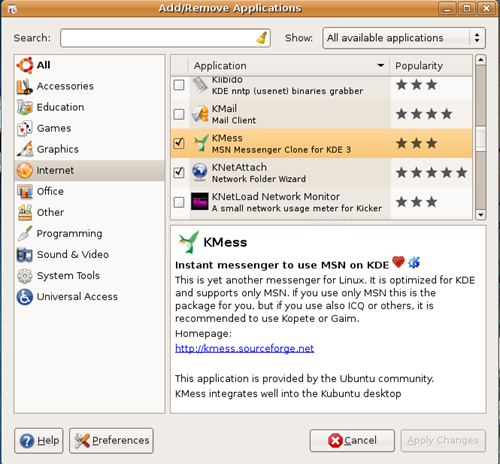
For Ubuntu we have just to decide what Instant Messenger to use. Pidgin very popular,aMSN really good. We have also KMess Instant Messenger like Windows Live Messenger in Windows. Very simply steps how to install. As you see from the screen shot above, select KMess from Internet Applications and Apply Changes.
Read the rest of this entry »
Share This
June 23, 08
by
Crossover
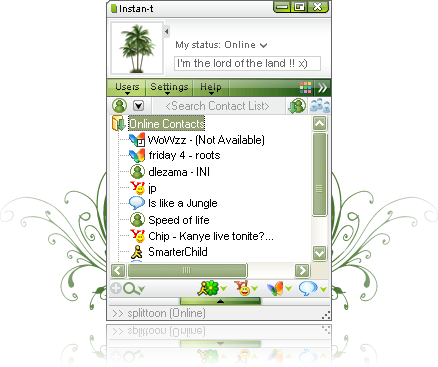
Instan-t is a fully-featured, easy to use and secure instant messaging product suitable for enterprises. Both its web-based and PC client versions were developed to fully improve internal communications.
Read the rest of this entry »
Share This
April 17, 08
by
Crossover
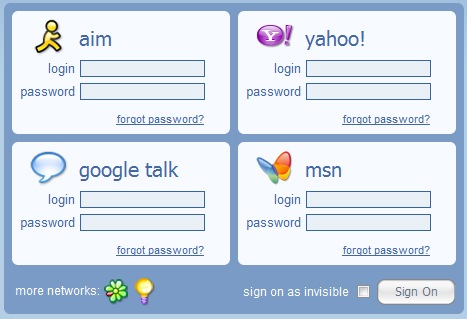
Meebo.com is a website for instant messaging from absolutely anywhere. Whether you’re at home, on campus, at work, or traveling foreign lands, hop over to www.meebo.com on any computer to access all of your buddies (on AIM, Yahoo!, MSN, Google Talk, ICQ, and Jabber) and chat with them, no downloads or installs required, for free!
http://www.meebo.com
Share This
November 06, 07
by
ReniX

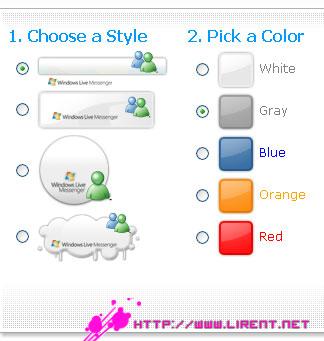
You can create your OWN IM button to put on your blog or in your email signature. Just go to www.messengerbuttons.com and create your own button, it has a lot of cool ways to personalize your button. This makes it even easier for your friends to find you on IM.Buttons make it easy! Use the button builder to create a button that fits your personal style or even just your mood.
Read the rest of this entry »
Share This
-
Posted in
Icons - 3,050 views
October 13, 07
by
ReniX

what is Messenger Plus! Live?
Messenger Plus! Live is the one essential add-on for Windows Live Messenger, period. After 150 million installations since 2001, when it started as a simple add-on for MSN Messenger 3, Messenger Plus! is guaranteed to improve your Messenger experience by leaps and bounds. You won’t just get a couple of new options, what you’ll get is a whole new dimension for the Windows Live Messenger software.
Yet, simple and easy to use (and customize)
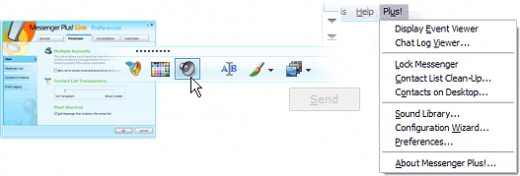
Thought out end-to-end to improve and enhance your instant messaging without getting in your way, Plus! adds lots of capabilities to Windows Live Messenger. It lets you use them at your will from the simple Plus! menu that gets added to every Messenger window and a couple of new buttons you’ll find within the Messenger interface:
Read the rest of this entry »
Share This
October 12, 07
by
ReniX

First install dep. sisx, and secondly install WindowsLive. SIS
It will be like this img up.
Read the rest of this entry »
Share This
September 25, 07
by
ReniX

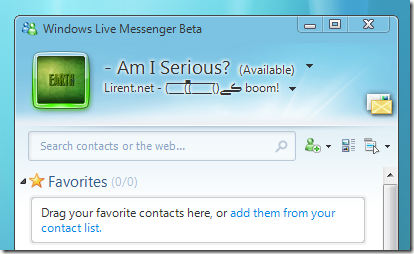
So… what’s new in Messenger Beta 2?
If you downloaded our Beta 1 build, you may not think that much has changed. While the look and feel is almost the same, we listened to your feedback and fixed many of the top issues reported by our customers. THANK YOU to all of our beta testers who reported issues.
What else is new around Windows Live?
Windows Live Mail, Photo Gallery, Writer, Toolbar, and OneCare Family Safety are also releasing betas today.
Read the rest of this entry »
Share This
September 17, 07
by
ReniX

1. Windows Live Photo Gallery beta
2. Windows Live Messenger 8.5 beta
3. Windows Live Writer beta
4. Windows Live OneCare Family Safety
5. Windows Live Toolbar
Read the rest of this entry »
Share This