
How to take Screenshots of iPhone Screen
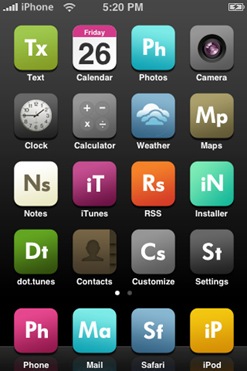
July 18, 08 by CrossoverTake Screenshots of iPhone Screen
1. Press the front button on the iPhone.
2. Hold down the power button on top of iPhone simultaneously.
3. The iPhone screen will flash momentarily
4. Your screenshot is saved in a new folder under "Photos".
Thanks for visiting! If you're new here, you may want to subscribe to my Rss Feed. This blog posts regular Internet news, updates for apps, security, ideas, hacks, quick fixes and everything about hi-tech. Go ahead, subscribe to our feed!
Glad to see you here and Thank You for your visit. My name is Lirent, born in February 1983 in a small city in Europe. This is my blog about Hacks, Tips and Free Resourse for the WordWideWeb.





