July 31, 08
by
Crossover
advertisment
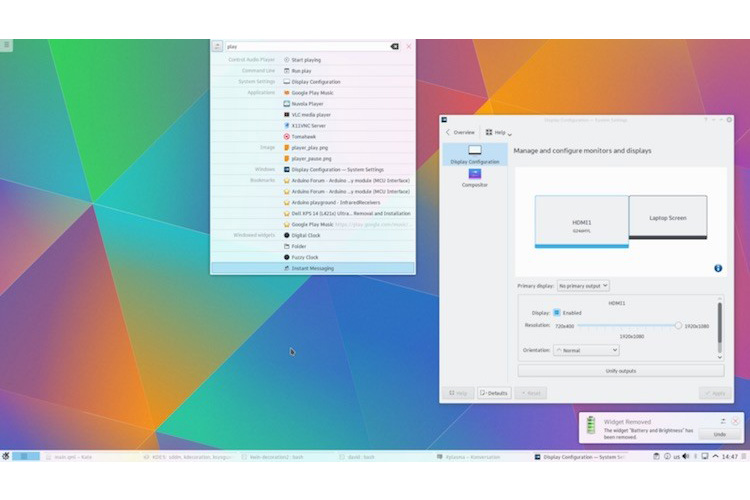
There are some days that KDE 4.1 is finally out, as you probably already know, and it comes with a lot of innovations for the Linux desktop. KDE 4 is the next generation of the popular K Desktop Environment, which seeks to fulfill the need for a powerful yet easy-to-use desktop, for both personal and enterprise computing. The new version provides increased stability over the first KDE 4 version and more eye candy!
Here is a step by step guide how to install KDE on your existing Ubuntu 8.04 or 8.04.1 LTS desktop.

Step 1 - Add KDE 4.1.0 Repositories
Go to System -> Administration -> Software Sources… Read the rest of this entry »
Share This
Thanks for visiting! If you're new here, you may want to subscribe to my Rss Feed. This blog posts regular Internet news, updates for apps, security, ideas, hacks, quick fixes and everything about hi-tech. Go ahead, subscribe to our feed!
March 24, 08
by
Crossover
advertisment
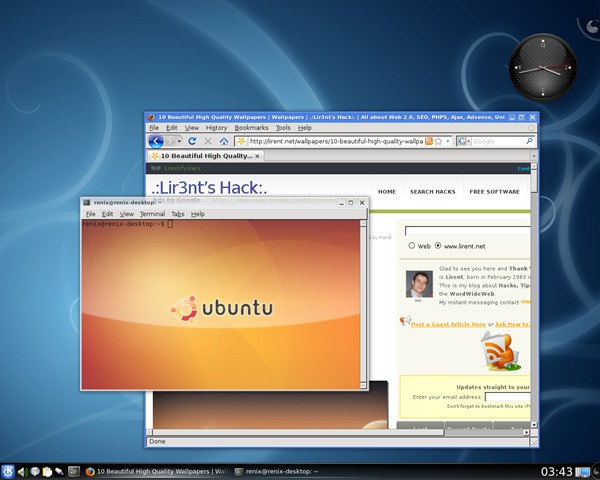
Ubuntu 8.04 LTS is the upcoming version of the Ubuntu operating system. The common name given to this release from the time of its early development was “Hardy Heron”.
Before you start
-
You can directly upgrade to Ubuntu 8.04 LTS (”Hardy Heron”) from Ubuntu 7.10 (”Gutsy Gibbon”) or from Ubuntu 6.06 LTS (”Dapper Drake”). This page continues instructions for both. (see UpgradeNotes)
-
Be sure that you have all updates applied to your current version of Ubuntu before you upgrade.
-
Before upgrading it is recommended that you read the release notes for Ubuntu 8.04 LTS, which document caveats and workarounds for known issues in this version.
Note: If you have a version of Ubuntu other than 6.06 LTS or 7.10, please see Installation/UpgradeFromOldVersion for information on how to upgrade.
Upgrade from 7.10 to 8.04 LTS Beta
-
Press Alt-F2 and type update-manager –devel-release
-
Click the Check button to check for new updates.
-
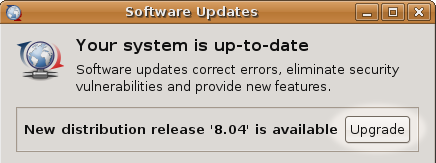
A message will appear informing you of the availability of the new release.
-
Click Upgrade.
-
Follow the on-screen instructions.
Read the rest of this entry »
Share This
January 03, 08
by
Crossover
advertisment
There are several different types of computer which Ubuntu is compatible with. The type of computer you have is determined by its processor architecture; this is a technical term which just refers to what type of processor the computer has.
This guide explains which Ubuntu CDs work on which computer architectures.
PC (Intel x86)
This works on most common "IBM compatible" PC systems. If Microsoft Windows will run on your machine, then this CD should also work, although many newer systems may gain a slight performance increase if they use the 64-bit CD below. Most computers are of this type.
Systems with the following processors need this CD:
64-bit PC (AMD64)
Read the rest of this entry »
Share This