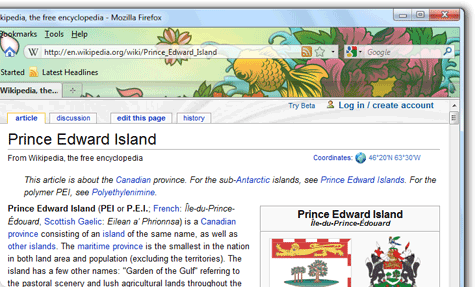
Yes, World’s Best Browser 3.6 is available for download. Mozilla today released Firefox 3.6, the first upgrade to the open-source browser since last June. The new browser includes built-in support for the scaled-down browser skins dubbed "Personas;" adds support for new CSS, DOM and HTML 5 technologies, as well as for full-screen video and the open-source Web Open Font Format (WOFF).
Firefox 3.6 also boasts a new security feature that checks browser plug-ins, such as Adobe’s Flash Player or Apple’s QuickTime, to make sure they’re up-to-date, then blocks vulnerable plug-ins from loading and shows users how to update the software. Mozilla added some plug-in checking to older editions starting last September, but fleshed it out in Firefox 3.6.
Mozilla has also boosted the browser’s overall performance and reduced its startup time. JavaScript in 3.6 executes approximately 12% faster in Firefox 3.6 than in 3.5, said Mike Beltzner, the director of Firefox, while some pages load up to 20% faster. Other improvements that speed up location bar searches and let Web site designers use asynchronous script loading, are harder to measure, but should give users the feeling that Firefox 3.6 is snappier. "
What are you waiting for! Download Firefox 3.6 Now!